What changed on 23 September
Google Vids is a video editor in the browser. On 23 September 2026, product manager Justin Luk wrote that anyone with a Google or Google Workspace account can generate video there at no cost, using Gemini Omni 1.1 Flash.
Gemini Omni 1.1 Flash is the model that makes the AI clips. You do not need to know the name to use the tool. In the editor it is the option that creates a video scene from your idea, then lets you shape that scene.
The same day’s Workspace update says the model is in Google Vids with better scene extension, 1080p, and duration control. The rollout started on 23 September 2026 for Rapid Release and Scheduled Release domains, with feature visibility over one to three days. The consumer list names users with personal Google accounts, plus Google AI Pro and Ultra.
That is Google’s published rollout. It is not the same as a check of one Philippine login. If an account does not have a feature, Google’s help pages say the option simply does not appear. Pinoy AI Works has not confirmed the Create AI videos tile on a normal Philippine personal account.
What you can do in the editor
The start path Google published is vids.new on a desktop computer. Sign in, then look for Create AI videos.
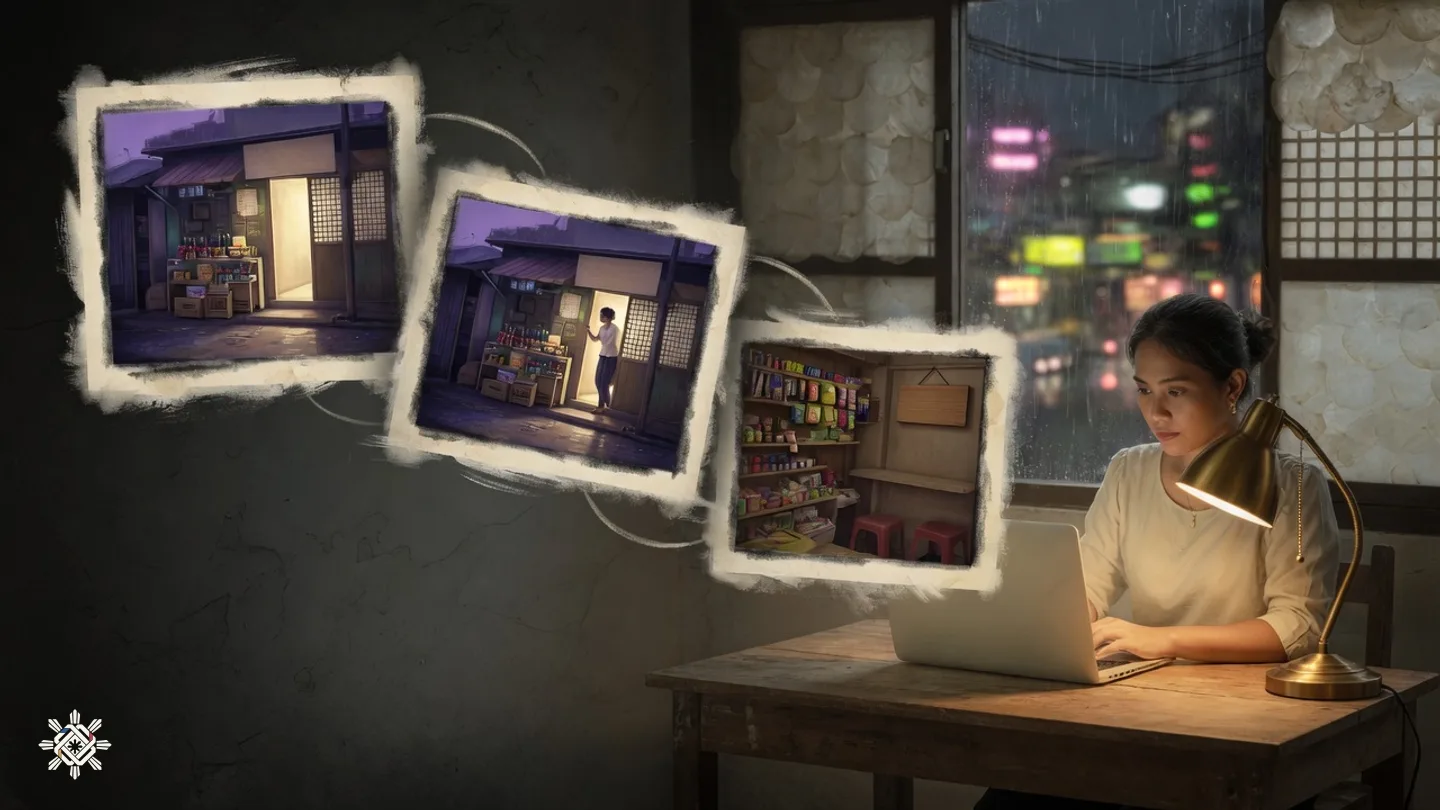
Three controls are the point of this update. You can extend a scene so it runs longer while the look, the lighting, the character, and the place stay consistent. You can set the exact duration of the generated clip so it fits the line you plan to say. You can generate a new AI scene at 1080p, which is full HD, or upscale an AI clip you already have to 1080p.
Google’s blog also points to ready-made templates for a product launch, a local shop, a company announcement, or a community event. A template is a starting shape. It is not a finished advertisement, and it does not know your product unless you put that in.
Every clip made with Omni 1.1 carries a SynthID watermark in the frames. SynthID is Google’s hidden mark that the clip was generated with AI. Viewers cannot see it. It shows origin. It does not show that the scene is true, and it does not replace a plain caption that says the video used AI.
What free actually means
“At no cost” on the announcement is not the same as unlimited generation. Google’s Help Center, checked on 30 September 2026, says a personal Google Account and Google AI Plus share one pool: about 6 AI video clips a month, counted together with AI avatars. The same page lists 50 credits a month for other AI uses in Vids. Help me create costs 5 credits a use. A voice-over costs 1 credit. An image costs 1 credit.
That allowance resets at 12:00 a.m. Pacific Time on the first of the month. Unused clips and credits do not roll over, and they are not shared with another account.
The Help Center does not say how many seconds one of those 6 personal clips can be. Pinoy AI Works is not guessing a per-clip length. Paid plans are listed in seconds instead. Google AI Pro is listed at 500 seconds of AI video a month. The Ultra 5x and 20x plans are listed at 2,500 and 10,000 seconds. Workspace Business Standard and Plus, and Enterprise Standard and Plus, are typically listed at 500 seconds. Business and Enterprise Starter are listed at 200 seconds. Those are Google’s published plan limits. They are not a Philippine peso price.
A finished Vid can run up to 30 minutes, according to the get-started help page, and Google says that limit can change. Thirty minutes is the project length. It is not the length of one free AI clip.

Desktop first, and the language gap
Creating and editing a Vid is a computer job. Google’s get-started page says to use Chrome or Firefox, and Edge on Windows only. Safari can play a processed video. It cannot edit or add a comment. A phone can play a processed video. It is not where you build or comment on the edit.
The language lists matter if you work in Filipino. On the Help Center page checked 30 September 2026, image generation, voice-overs, and avatars in Vids include Indonesian, Thai, and Vietnamese, among other languages. Malay is on the image and avatar lists. Filipino and Tagalog are not on those lists. The same page says many AI features in Vids are only available in English for now. Do not expect the AI to speak Filipino, to build a Filipino-speaking avatar, or to offer a Filipino prompt language just because the account is in the Philippines.
A practical path is still open. Write the AI prompt in English, or in a language Google lists. Generate the short clip. Extend it if the same person or shop needs to continue. Then add your own Filipino or Taglish title and captions on the timeline.
What is still coming later
Google’s 23 September post also describes Gemini 3.8 Flash-Lite text-to-speech. It would turn a typed script into a voice-over in more than 100 languages. The post marks that feature as coming soon. It is not available today. Google has not said that Filipino or Tagalog will be one of those languages.
Keep that future voice tool separate from the video model you can try now. Omni 1.1 Flash generates the picture. The 100-language voice is a later announcement.
A practical way to try one clip
- Start from one product, service, or event you can describe in a sentence.
- On a computer, open vids.new and sign in with the Google Account you actually use.
- If Create AI videos is on the screen, generate one short clip. If the tile is missing, that account does not have the feature yet.
- Extend the scene only when you need the same character, lighting, or place to continue.
- Set the clip length to the line you will actually say or print.
- Add Filipino or Taglish words yourself. Do not wait for a Filipino AI voice.
- Check the monthly clip count before you spend the free allowance. A generated clip still needs your own check that the product, price, and place are real.

How this was checked
The announcement date, the model name, 1080p generation and upscaling, scene extension, exact duration, vids.new, SynthID, and the “at no cost” line were read on the Google Blog post by Justin Luk dated 23 September 2026. The Workspace update of the same day was read for the rollout and the personal-account list. That update says this particular feature has no admin control. The availability help page separately says a work or school admin can still control access to Google Vids and can turn off generative AI features.
Quotas, the personal pool of about 6 clips a month combined with avatars, the credit counts, and the image, voice-over, and avatar language lists were read on Google Help answer 15609411 on 30 September 2026. Desktop creation, the browser list, mobile viewing, and the 30-minute Vid length were read on Google Help answer 15082958 the same day. The product page was opened for the public description of Vids. vids.new was opened as the published try path.
Pinoy AI Works did not generate a clip, did not confirm the Create AI videos tile on a Philippine personal account, and did not test a Filipino or Tagalog voice. Lines about professional results are Google’s wording. They are not a Pinoy AI Works finding.
Put this into practice
Before you spend a free clip, check the original help page, and treat an AI video as something a viewer can mistake for a real recording.
Sources & further reading
- Google Blog, Justin Luk, 23 September 2026
- Google Workspace Updates, Gemini Omni 1.1 Flash in Vids, 23 September 2026
- Google Help, Gemini features, quotas and languages in Vids, checked 30 September 2026
- Google Help, get started with Google Vids, checked 30 September 2026
- Google Vids product page
- Try path: vids.new
Source note. The linked sources support the news in this article. The explanations and suggested next steps are from Pinoy AI Works.