
Everyday AI · Daily life
Read a promo text and keep only what it says
Did a load or sale text arrive, and you want the price and the limit written out?
Listen to this guide
AI narration · English · Prompt text stays on the page
Try ElevenLabs ↗ · Affiliate link
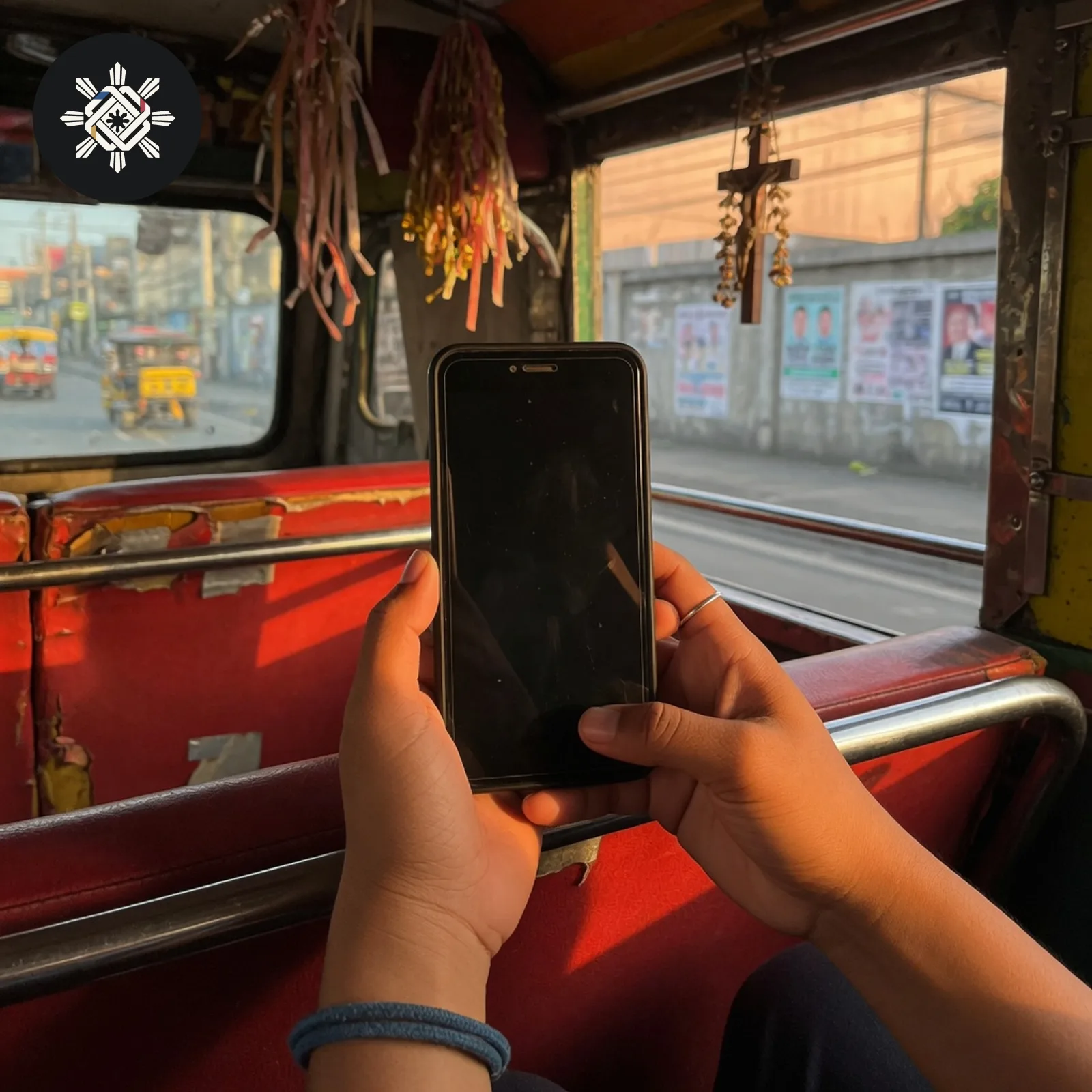
What you will make
A short reading of the price, the number of days, and the limit that the text actually states.
What you need
One promo text, pasted by you.
Before you start
Do not tap a link in the text to do this. Remove any one-time code, account number, or personal name. If the text asks you to send a code or a fee to a person, stop and do not paste that part.
What to do
- Copy the promo text. Leave the link out.
- Cross out any code, account number, or your name.
- Paste what remains into the prompt.
- Compare the price and the number of days in the network or shop app before you pay.
Try this prompt
One text. No recommendation, and no price you did not paste.
Read this one promo text.
Write only what it states: the price, the number of days, and any limit on what is included.
If the text does not state one of those, write "To confirm".
Do not tell me to buy it, which network is better, or what a similar promo usually costs.
Do not open or invent a link.
Do not treat a forwarded text as the offer in the official app.

Promo text: [paste the words]See a sample result
Illustrative example. Your answer may differ.
Input (illustrative): "99 pesos for 7 days, 5 GB, for the number that received this text." Example result: Price: 99 pesos. Days: 7. Included: 5 GB. Who can use it: the number that received the text. No other limit was written.
Before you use it: Open the network or shop app and compare the price and the number of days. A text is not the offer. This is not a recommendation to buy, and a forwarded message can change a number.
Try this follow-up
List only the price, the days, and the limit that appear in the text. Do not recommend that I buy it.
If the answer is not right
If a price, a number of days, or a limit was not in the text, point to that line and ask for it to be marked To confirm.
Philippine notes
- Confirm a load promo in the network's own app before you pay.
More everyday guides
 Do you need to apply for a government benefit, ID or clearance and want the exact checklist?
 Did you lose a government ID, passport, or ATM card and need an Affidavit of Loss for replacement?
 Do you want to know how much an aircon, refrigerator or computer adds to your monthly electric bill?
 Are you a fresh graduate or career shifter who needs a clear, job-relevant resume without invented experience?