
What happened
On 4 November 2026, OpenAI published a post titled Introducing Images 2.6.
The post says the tool is in ChatGPT, in Codex and in the API.
OpenAI says Images 2.6 generates images 50 percent faster than before.
That speed figure is OpenAI’s own. This article did not time a picture.
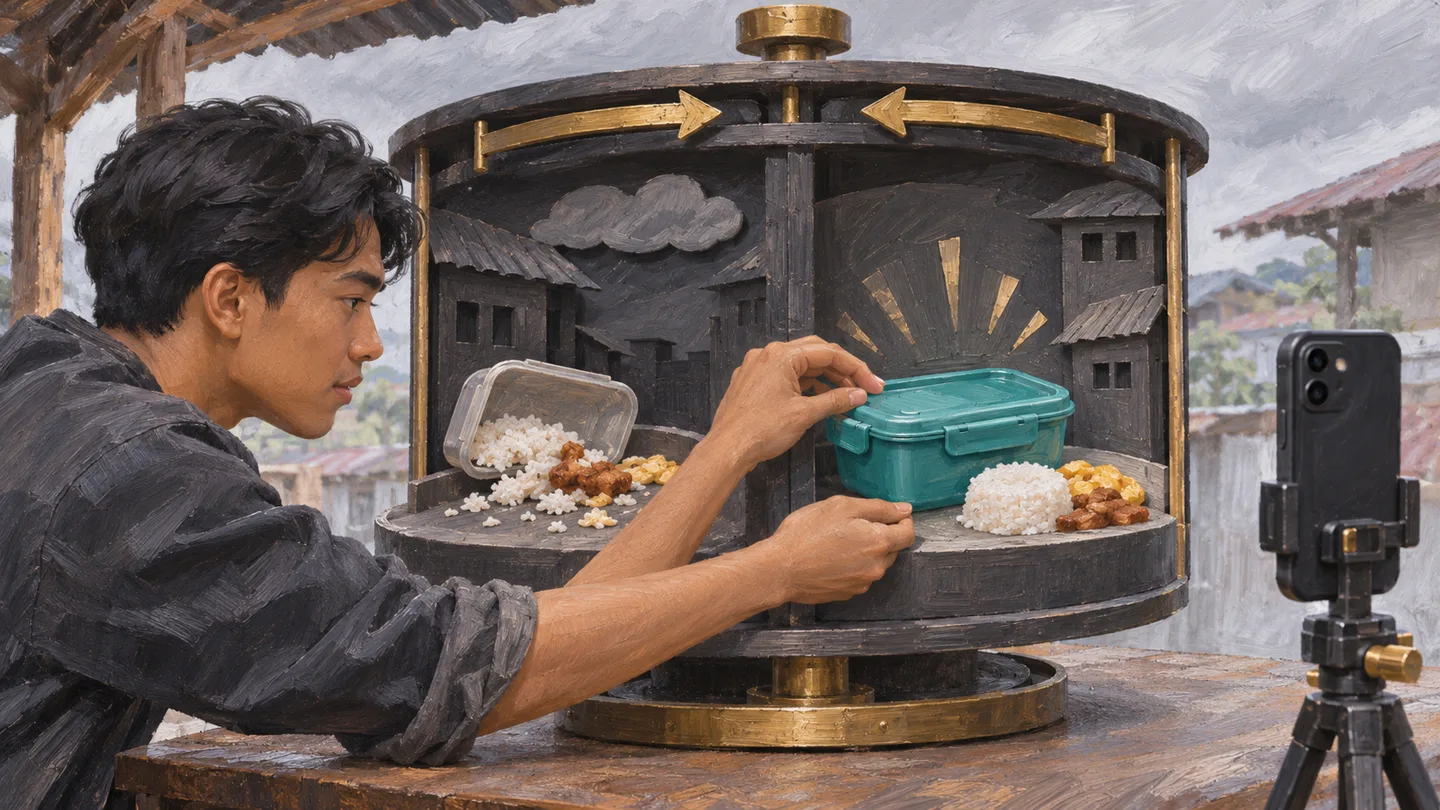
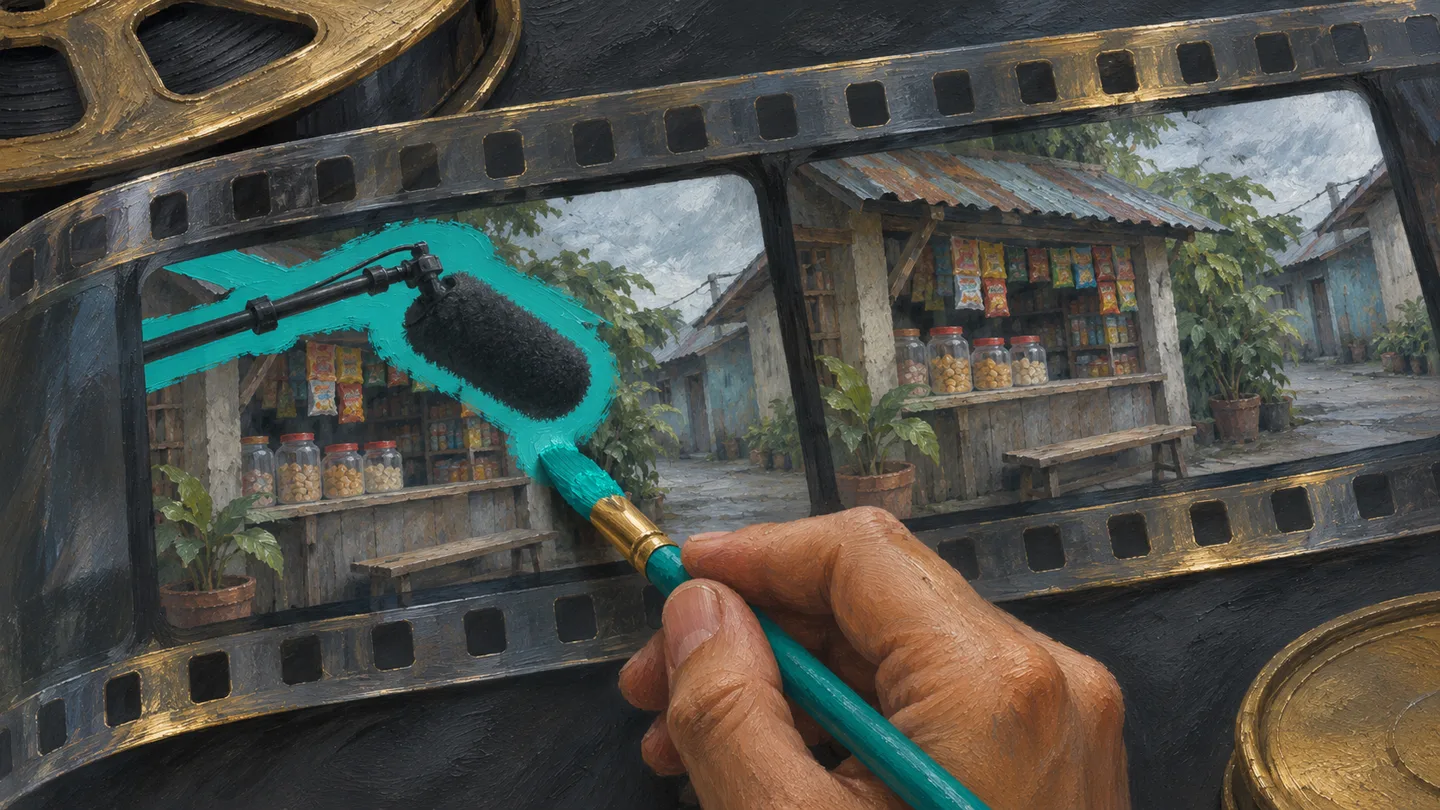
OpenAI says you can animate a picture into a GIF. It names a brand mascot, a character and a product shot turned into a loop.
OpenAI also says later edits can keep a character, a product or a brand detail consistent. That is the company’s description. This article did not run an edit test.
Where OpenAI says you can use it
OpenAI's post, dated 4 November 2026, says Images 2.6 is available globally today in ChatGPT and Codex, across all subscription tiers, on desktop, mobile and the web.
The post does not name the Philippines. It does not list plan names, and it does not say how many images a plan includes.
The post does not state a ChatGPT price. It points developers to a separate pricing page for the API.
What the API post adds
In the API, OpenAI offers two models: GPT-Image-2.6 Flare and GPT-Image-2.6 Sunburst.
OpenAI says Flare, with quality set to low, can make an image in as little as six seconds. That line is about the API. The post does not say a ChatGPT picture takes six seconds.
OpenAI says Sunburst is for higher detail when quality is set to medium or high. It says Sunburst also keeps an image more consistent across edits at those settings.
OpenAI says Flare improves layout for posters, product images and other professional visuals.
The post says image markup, already in ChatGPT, now comes to the API. It says the API can export SVG files, so a design can go on a website, in an app or into print.
A complexity setting lets a developer ask for less planning on a quick edit, or more planning on a crowded scene. OpenAI recommends low complexity for most edits.
This article does not quote the API prices. Those prices are on the page the post links.
Why this matters in the Philippines
A shop owner who makes a Facebook poster, a teacher who makes a class reminder, or a creator who wants a short product loop can look for Images 2.6 in ChatGPT.
If the image tool in your account does not show Images 2.6, the post does not say whether that is a plan limit, a delay or something else.
A GIF is a short loop. It is not a full video, and it usually has no sound.
Read every word in the picture before you post it, including a sign, a label or a price.
Leave out a customer’s face, a student’s face, an ID and a receipt that shows a name.
What to do next
- Open ChatGPT on the web or in the phone app and look for image making.
- Make one still poster first. Ask for a GIF only when you need motion.
- Before you upload a photo, remove names, faces, ID numbers and prices you do not want in a chat.
- Read the words in the result. Check the product against the real item before you publish.
- For API work, open the pricing page OpenAI links before you spend. This article does not list those rates.
How this was checked
The dates, the 50 percent line, the GIF uses, the tier sentence, the six-second line and the two API model names were read on OpenAI’s post on 6 November 2026. The page is dated 4 November 2026.
The page does not name the Philippines, does not state a usage limit and does not print a ChatGPT price.
This article did not generate an image and did not sign in with a Philippine account. It also did not review the linked pricing page or the linked system card.

Put this into practice
Take names and faces out of a photo before you upload it. Check the speed line against the post before you repeat it.
Sources & further reading
Source note. The linked sources support the news in this article. The explanations and suggested next steps are from Pinoy AI Works.