Everyday AI · School & study
Turn a class advisory into a bring-list
Did the school send a message about what to bring, and you want only that list?
Listen to this guide
AI narration · English · Prompt text stays on the page
Try ElevenLabs ↗ · Affiliate link
What you will make
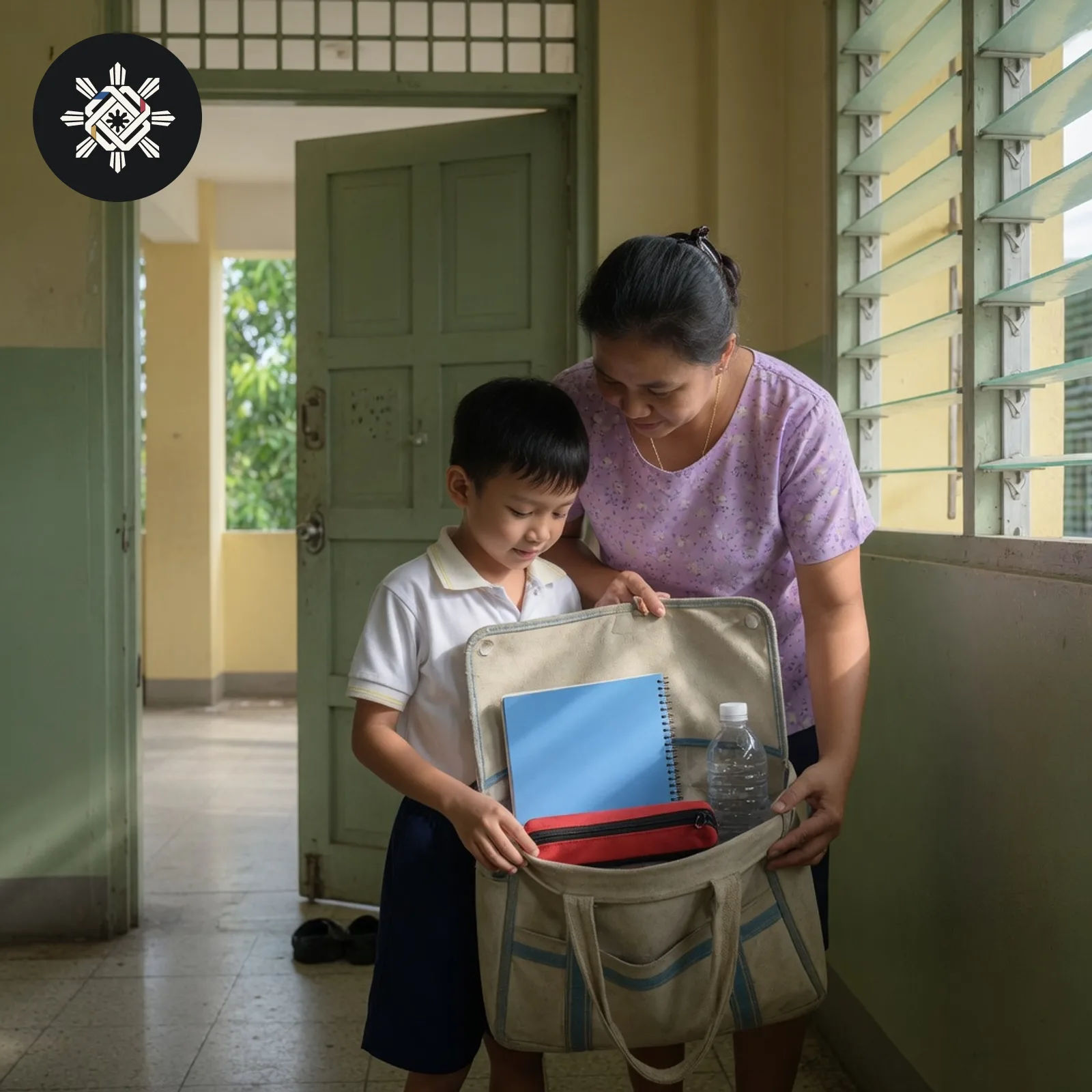
A bring-list taken only from the advisory you pasted, with anything unclear marked To confirm.
What you need
The words of one class advisory. A typed copy is enough.
Before you start
Remove the child's full name, section code, address, and any ID number. Do not upload a photo of the child.
What to do
- Copy the advisory. A group-chat message or a paper note is enough.
- Delete names and ID numbers before you paste it.
- Use the prompt below and keep missing details marked To confirm.
- Read the original message again before you buy or pack anything.
Try this prompt
Paste one message. The list should not grow past what it says.
Turn this class advisory into a bring/do checklist using only what the advisory actually says.

ADVISORY
[paste text or attach a redacted screenshot]

RULES
- Preserve exact dates, times, amounts, clothing/uniform instructions, documents and item quantities.
- Do not invent school supplies, forms, fees, permissions, deadlines or “usual” requirements.
- Separate items students must BRING from actions they must DO and information that is only FYI.
- If wording is unclear, cropped or contradictory, mark “To confirm” and show the short phrase causing the uncertainty.
- Do not assume “recommended” means required.
- Do not include unnecessary student names, IDs, contact details or other private information.

OUTPUT
1. Bring list: □ item | quantity if stated | date/day needed | evidence.
2. Do list: □ action | deadline/time | evidence.
3. Optional/recommended items.
4. Information only.
5. To-confirm questions for the teacher/school.
6. Final date/time/amount check.

Before finishing, compare every checklist item against the advisory and remove anything that was added from common sense rather than the source.See a sample result
Illustrative example. Your answer may differ.
Input (illustrative): "Please bring a folder and a pencil on Friday. The project fee will be announced later." Example result: Bring a folder. Bring a pencil. Date: Friday. Project fee: To confirm. No other item was named.
Before you use it: Read the advisory again. A tidy list can add an item the message never named. This does not say the school requires anything beyond that message, and it is not a school rule.
Try this follow-up
Keep only items the message named. Remove anything you added while tidying.
If the answer is not right
If an item, a date, or a fee was not in the advisory, name that line and ask for a list that uses only the pasted words.