
Everyday AI · Daily life
Turn a confusing notice into clear next steps
Did you get a school memo, bill note or barangay announcement that is hard to follow?
Listen to this guide
AI narration · English · Prompt text stays on the page
Try ElevenLabs ↗ · Affiliate link
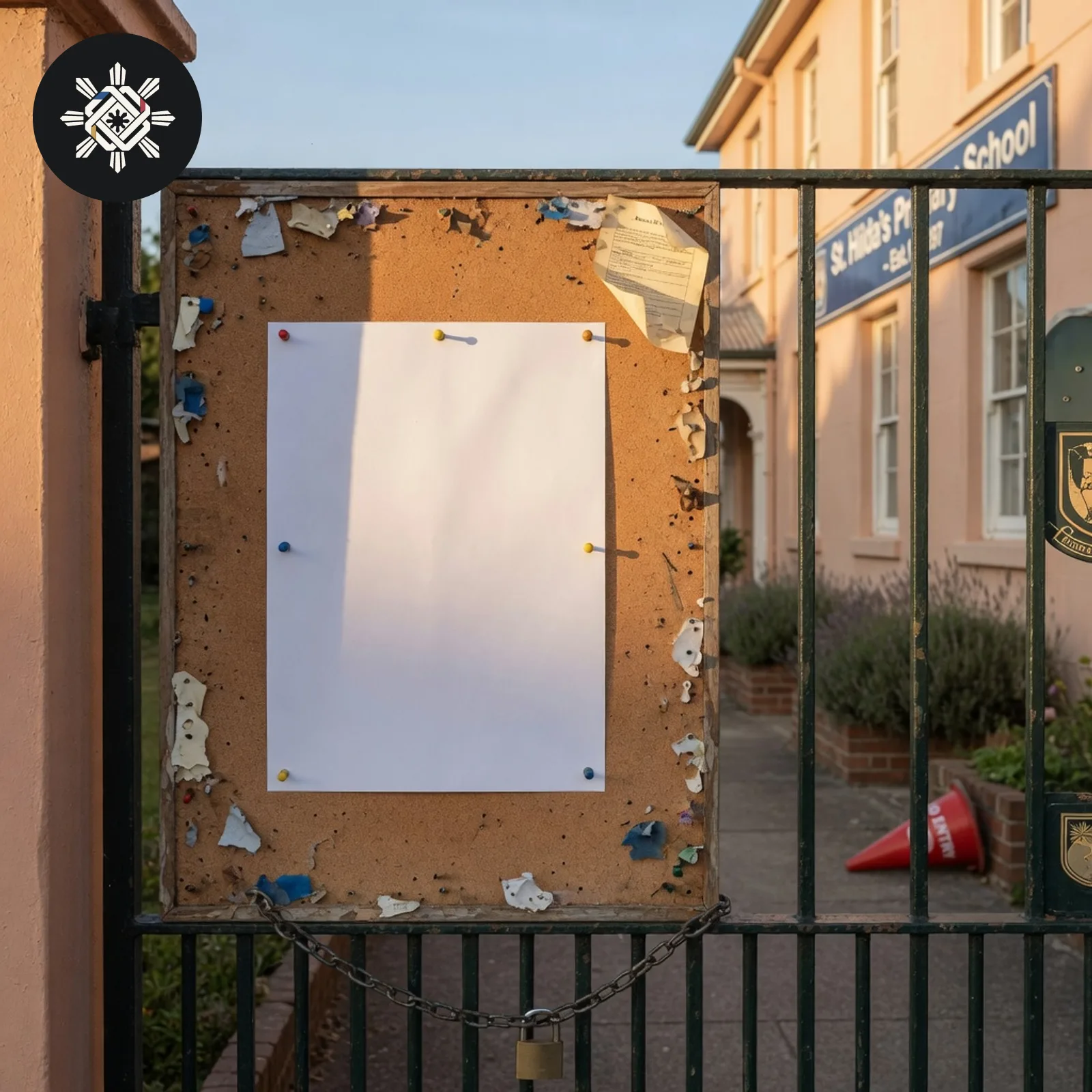
What you will make
A short summary and action list that keeps the notice's dates, places and requirements separate from missing information.
What you need
A short copy of the notice text. You do not need to upload the full document.
Before you start
Remove names, account numbers, phone numbers, student details and IDs that are not needed to understand the notice.
What to do
- Choose one short notice. Copy only the part you need. Remove names, account numbers, phone numbers and IDs.
- Open the AI assistant you already use.
- Copy the prompt below and paste your notice in the brackets.
- Match every deadline, fee and place to the original notice. Ask the sender about every “To confirm” item before you pay, sign or travel.
Try this prompt
Copy the prompt into ChatGPT, Claude or Gemini. Replace any text in brackets, then send it.
Turn this notice into clear next steps using only what is actually written.

NOTICE
[paste the notice text here after removing unnecessary private details]

RULES
- Do not invent or “complete” a date, fee, amount, location, document, eligibility rule, consequence, contact detail or requirement.
- Preserve exact dates, times, amounts and named documents from the notice.
- If text is ambiguous, contradictory, cut off or missing, mark it “To confirm” and quote the short phrase causing the uncertainty.
- Separate what the notice REQUIRES from what it merely mentions or recommends.
- Do not assume an action is mandatory just because it sounds sensible.
- Do not pay, sign, submit, travel or contact anyone for me.

OUTPUT
1. What this notice is about — one sentence.
2. Required actions: action | deadline/time | place/channel | evidence from notice.
3. Optional/informational items.
4. “To confirm” items with the exact unclear phrase.
5. Consequences explicitly stated by the notice — only if stated.
6. Questions I should ask the sender, prioritized by what blocks the next action.
7. A final verification checklist for dates, amounts, place and required documents.

Before finishing, compare every extracted date, time, amount and requirement against the pasted notice. Correct any mismatch.See a sample result
Illustrative example. Your answer may differ.
Input (illustrative): “Parents of Grade 6: bring signed consent form and ₱50 contribution for the field trip on Friday, 26 September. Meet at the school gate at 6:30 AM. Students without the form cannot join.” Example result: About: Grade 6 field trip this Friday. Checklist: □ Sign the consent form. □ Prepare ₱50 if you are joining. □ Arrive at the school gate by 6:30 AM on 26 September. Question: “Where do we submit the signed form before Friday?”
Before you use it: Check every date, fee and place on the original notice. AI can miss a line or invent a detail. Do not treat the list as legal or financial advice.
Try this follow-up
Turn only the confirmed instructions into a short checklist. Keep unclear items under To confirm.
If the answer is not right
If the answer adds a requirement, ask which exact sentence in the notice supports it, then check the original yourself.
More everyday guides
 Did someone send a voice note and you need the next steps from it?
 Did the school send a message about what to bring, and you want only that list?
 Do you need to write a formal request or explanation letter to your Barangay Captain, HOA or City Hall?
 Do you want to check what you remember before a quiz or exam?