
What Google said on 5 November
On 5 November 2026, Google said Google Vids now runs on Omni 1.2 Flash.
The post calls Omni 1.2 Flash Google’s newest video model.
Starting that day, anyone with a Google account or a Google Workspace subscription can generate up to three 15-second videos a month in Vids at no cost.
Google points people to vids.new to try it.
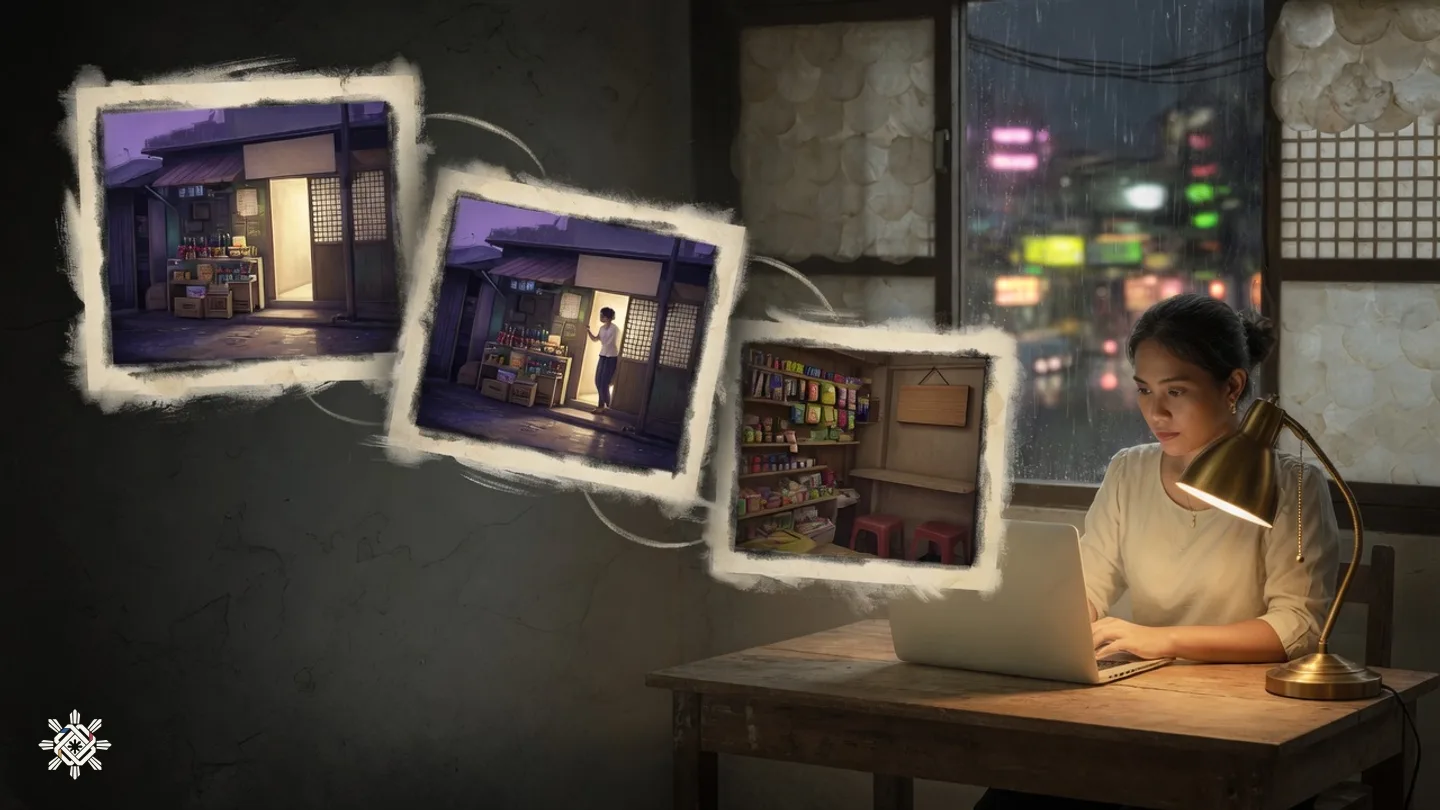
The post says a still image can become a video, with characters and scenes held from the first frame to the last.
It also says speech in those clips should sound more natural.
The post gives product promos as one use. It does not say a clip will look like a finished advertisement.
What the model post adds
A second Google post, the same day, introduces Omni 1.2 Flash for developers.
It says a clip can now run up to 15 seconds, up from 10 seconds on Gemini Omni 1.1 Flash.
Length can be set in one-second steps, from 3 to 15 seconds.
The developer post also says 15-second clips in Google Vids are at no additional cost with a Google account or a Workspace subscription.
For developers, the Gemini API price is $0.07 a second for 720p video, 30 percent below Gemini Omni 1.1 Flash.
That price is for the API. It is not the Vids allowance.
The same post says outputs carry an imperceptible SynthID watermark.
In the Gemini app, 15-second videos are rolling out to Google AI Ultra subscribers. That rollout is separate from the Vids allowance.
What the help page lists
Google’s help page on Gemini features in Vids was open on 6 November 2026.
For a personal Google account, it lists AI video clips at 60 seconds a month.
The same 60-second figure appears for Workspace Individual and for Google AI Plus.
Those rows do not name Omni 1.2 Flash.
The blog’s three 15-second videos and the help page’s 60 seconds are different figures. Read the number on your own account.
A note on the page says personal Google accounts might have some restrictions on AI video editing.
A personal account on that page also has 50 credits a month. Some other Vids tools cost credits. The video-clip row is written in seconds, not as a credit price.
For a work or school account, an administrator can turn generative AI in Vids off.
The page says many AI features in Vids are only available in English for now. Its lists for images, voiceovers and avatars do not include Filipino or Tagalog.

Why it matters in the Philippines
This section is a reading of those pages for students, teachers and small sellers here.
A short clip at no cost could be a class explainer, a project, or a shop post, if the tool opens on the account you use.
The help page says these features work where Google Workspace accounts are available.
The linked page, updated 26 October 2026, says Workspace is available in most countries and regions.
That page names places where Google restricts some business services. The Philippines is not on that list.
It does not mention Vids, and it does not confirm the Philippines.
A Philippine account was not opened for this check.
A missing name does not prove the tool fails here, and it does not prove that it works.
What to try
- Sign in at vids.new with the Google account you mean to use.
- If no video option appears, a school or work admin may have turned AI off.
- Make one short test before you plan a month of posts. The blog’s cap is three 15-second videos.
- Read the allowance on your account. The help page still shows 60 seconds a month for a personal account, and it does not name Omni.
- Before you upload a photo, remove faces, names and private details. Do not upload a student’s ID or a customer’s address.
How this was checked
On 6 November 2026, Google’s Vids post, the Omni 1.2 Flash developer post, and the Vids help page were opened again.
The country line on the help page points to Google’s Workspace availability page. That page was opened too.
The three-video allowance comes from the Vids post dated 5 November 2026.
The 60-second row comes from the help page, which does not name Omni.
The posts do not state an age rule.
No video was generated for this check.

Put this into practice
Keep the two Google pages apart, strip private details from a photo, and check the original post before you repeat the offer.
Sources & further reading
- Google, Omni 1.2 Flash in Google Vids, 5 November 2026, opened 6 November 2026
- Google, Gemini Omni 1.2 Flash for developers, 5 November 2026, opened 6 November 2026
- Google Docs Editors Help, availability of Gemini features in Google Vids, opened 6 November 2026
- Google Workspace Help, countries where Workspace is available, updated 26 October 2026, opened 6 November 2026
Source note. The linked sources support the news in this article. The explanations and suggested next steps are from Pinoy AI Works.